 StoreFlips
Guides
How to buy a Shopify store
Five steps from finding a store to owning it, with your payment held until the handover is done.
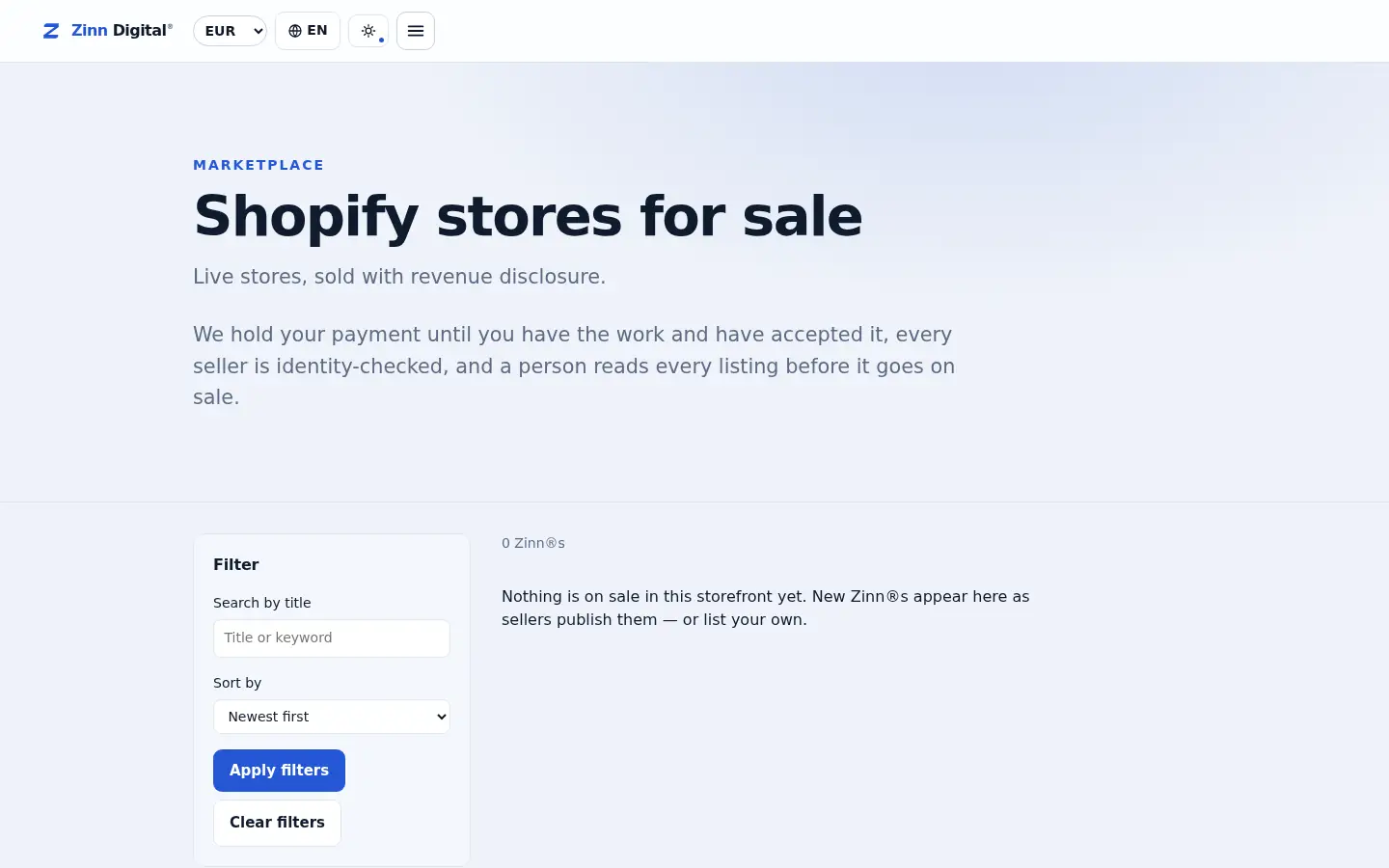
- Decide what you want: a dropshipping store you can run without stock, an own-brand store with inventory, or a print-on-demand store.
- Compare listings on price and on the numbers the seller declares — revenue, profit, visitors and age — and note which ones you will need proof of.
- Ask the seller questions in the marketplace chat and request read-only proof of revenue and traffic before you pay.
- Pay at checkout. The money is held by Zinn Digital®, not sent to the seller.
- Work through the handover checklist — store ownership, domain, supplier contacts, product assets — and press Accept only when you have everything.
Bought a website? Host it with us
Zinn Digital® hosting runs on our own servers with a CDN, free SSL and daily backups included, and protection from brute-force logins on every WordPress site.